Automation2 min read
Automate the hand-off, keep the judgement
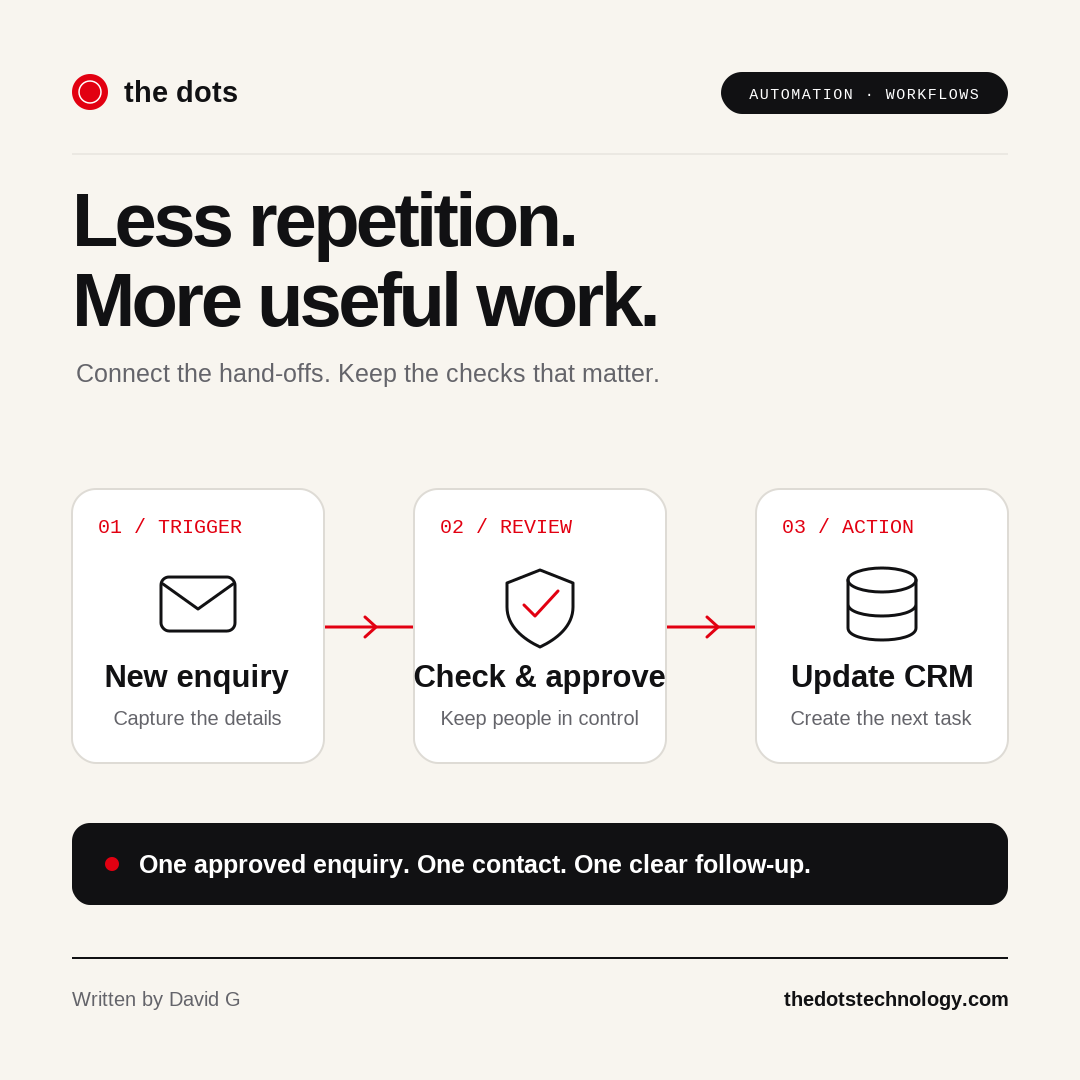
Design a workflow that moves routine work forward and gives exceptions to the right person with enough context.
AI & automation
Connected workflows that move information between tools, handle exceptions and leave people in control.
trigger.received → enquiry queuedA confirmed form submission triggers a defined workflow with its own reference.
webhook received → validate submissionThe difference it makes
A useful automation takes a familiar hand-off and makes it dependable. We map the trigger, check the incoming information and connect the next action, with retries, approvals and an owner for the cases that need attention.
Less copying and chasing across everyday tools
A clear path for failed or unusual requests
A visible record of automated actions and approvals
From the first check to handover
Explore the walkthrough above, then see what each stage means for your project. We agree the scope and checks with your team before work begins.
We identify a stable task with a clear trigger, owner and measurable outcome before expanding the scope.
We agree required fields, permitted actions, duplicate handling and the exceptions that should go to a person.
We build the workflow and test ordinary requests alongside timeouts, missing data and repeated notifications.
We provide logs and a recovery process so your team can understand what ran and resolve interrupted work.
What you take away
You can see what was changed, how it was checked and what your team needs to look after next.
Before we begin
No. Clear rules and standard integrations are often the best fit. We add AI only when the task genuinely needs interpretation and its output can be evaluated.
We design the workflow to record its state, retry safely where appropriate and alert an owner when it needs attention. The exact recovery rules depend on the systems involved.
Connect this with
Related reading
Practical articles by David G, selected for Workflow automation.
Design a workflow that moves routine work forward and gives exceptions to the right person with enough context.
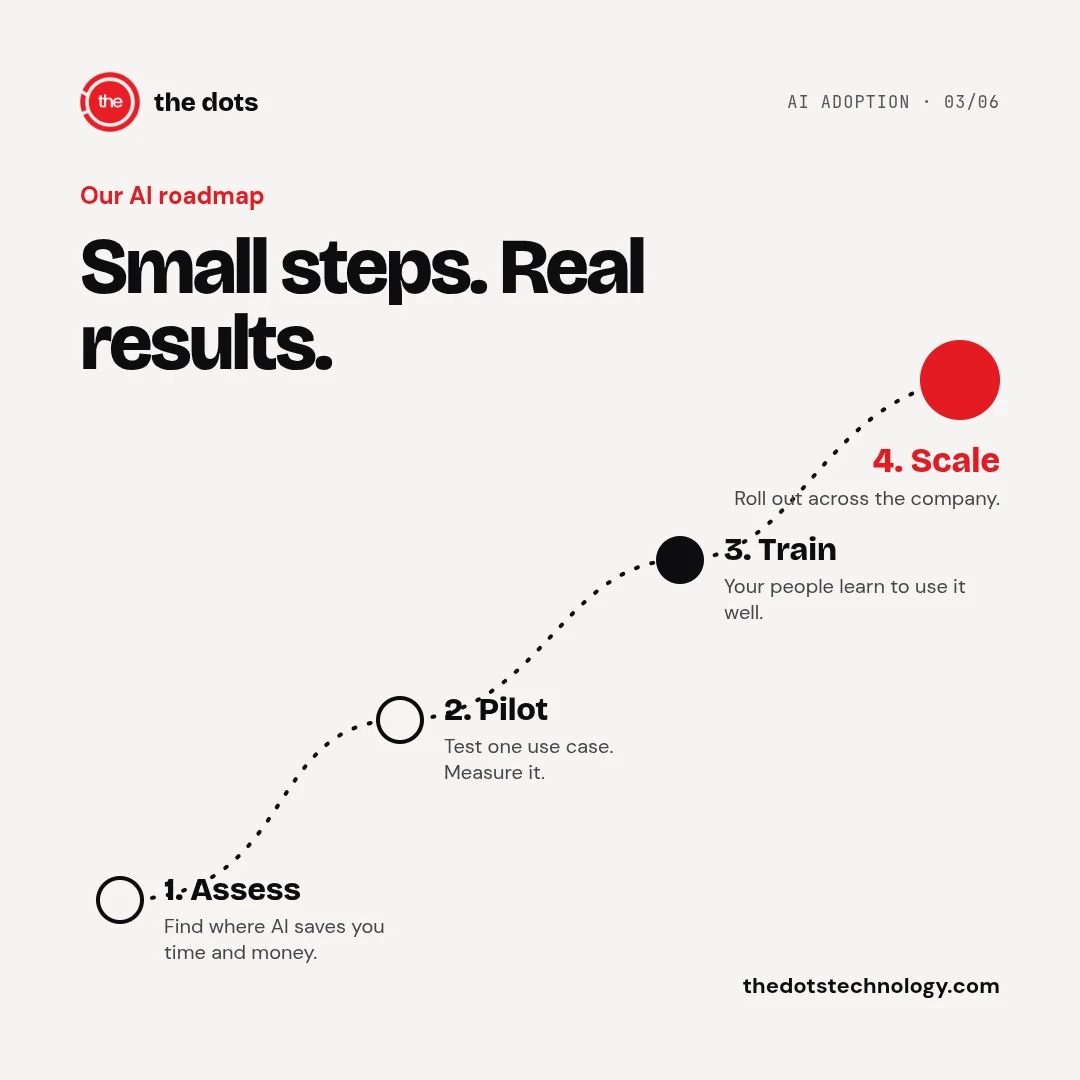
A practical route from a promising idea to a measured pilot, with training and human judgement built in.

Understand the connection between a request in plain language and an action in your business systems.
Your next step
Tell us about your idea or the part of your business that needs to work better. We'll help you find a clear next step.
Have a detailed brief? Use our full contact form.