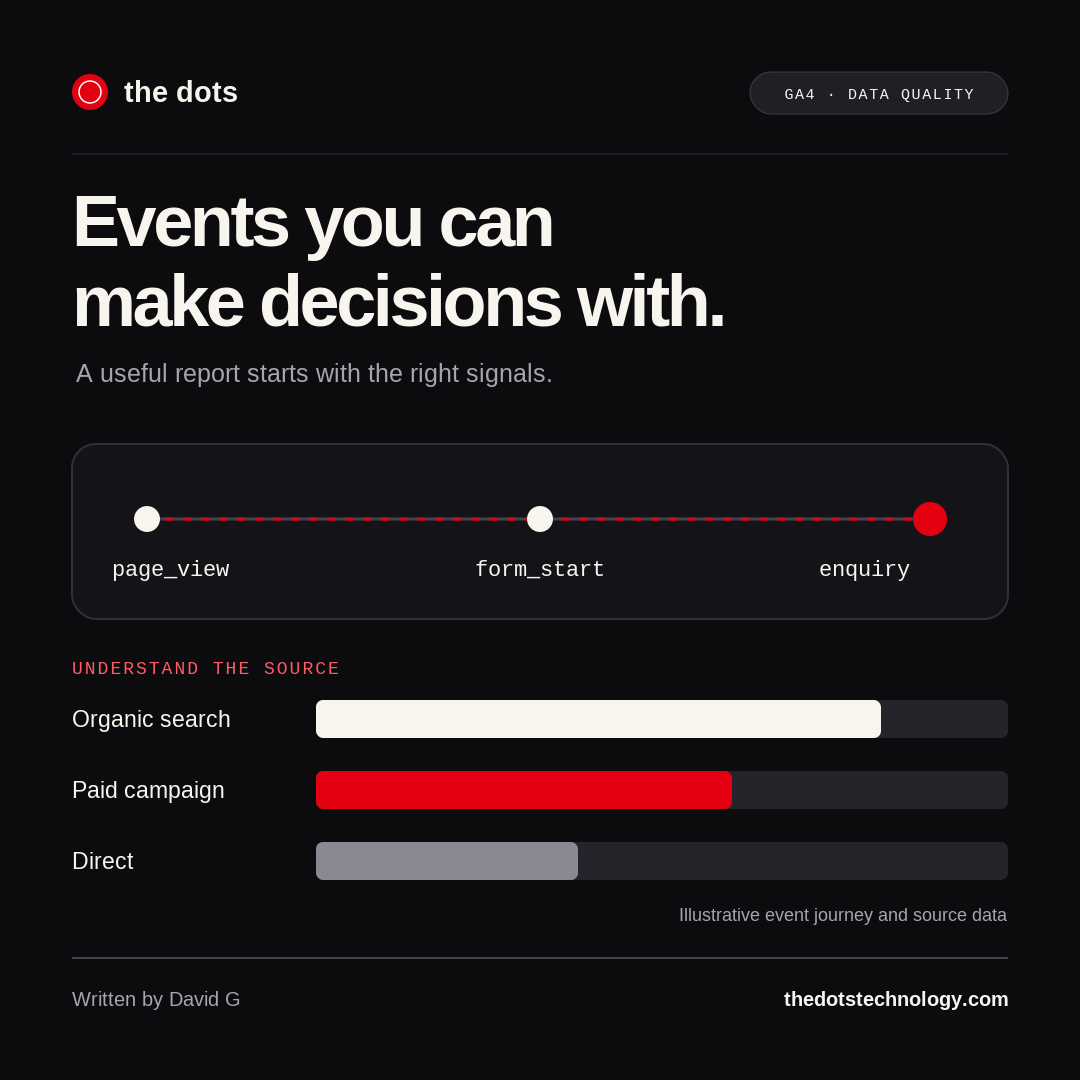
GA42 min read
From a debug event to a useful traffic report
Check event collection first, then review acquisition, meaningful actions and the limits of the data.
Analytics & tracking
Measurement plans, event tracking and reports connected to enquiries, bookings and useful business decisions.
WORKFLOW TIMELINE
A successfully accepted enquiry is defined separately from a button click.
define event: generate_lead → enquiry acceptedThe difference it makes
A dashboard is only useful when your team understands what the numbers mean. We define important actions, check how they are collected and connect the available evidence to the questions you need to answer.
A shared definition of success across the team
Fewer untested events and unexplained report differences
A practical view of traffic, intent and outcomes
From the first check to handover
Explore the walkthrough above, then see what each stage means for your project. We agree the scope and checks with your team before work begins.
We agree which business questions the reports should answer and identify the records needed to answer them.
We specify important actions and parameters, then connect collection to consent choices and the actual customer journey.
We use Tag Assistant, DebugView and source records to check expected behaviour, failures and duplicate events.
We document definitions, attribution gaps and review routines so your team can use the results responsibly.
What you take away
You can see what was changed, how it was checked and what your team needs to look after next.
Before we begin
No. Consent choices, blocked requests, multiple devices and offline conversations create gaps. We explain those gaps and use confirmed business records where appropriate.
Yes. We review the property, tags, event definitions and reports before making changes, then test a prioritised set of customer journeys.
Connect this with
Related reading
Practical articles by David G, selected for Analytics & data.
Check event collection first, then review acquisition, meaningful actions and the limits of the data.
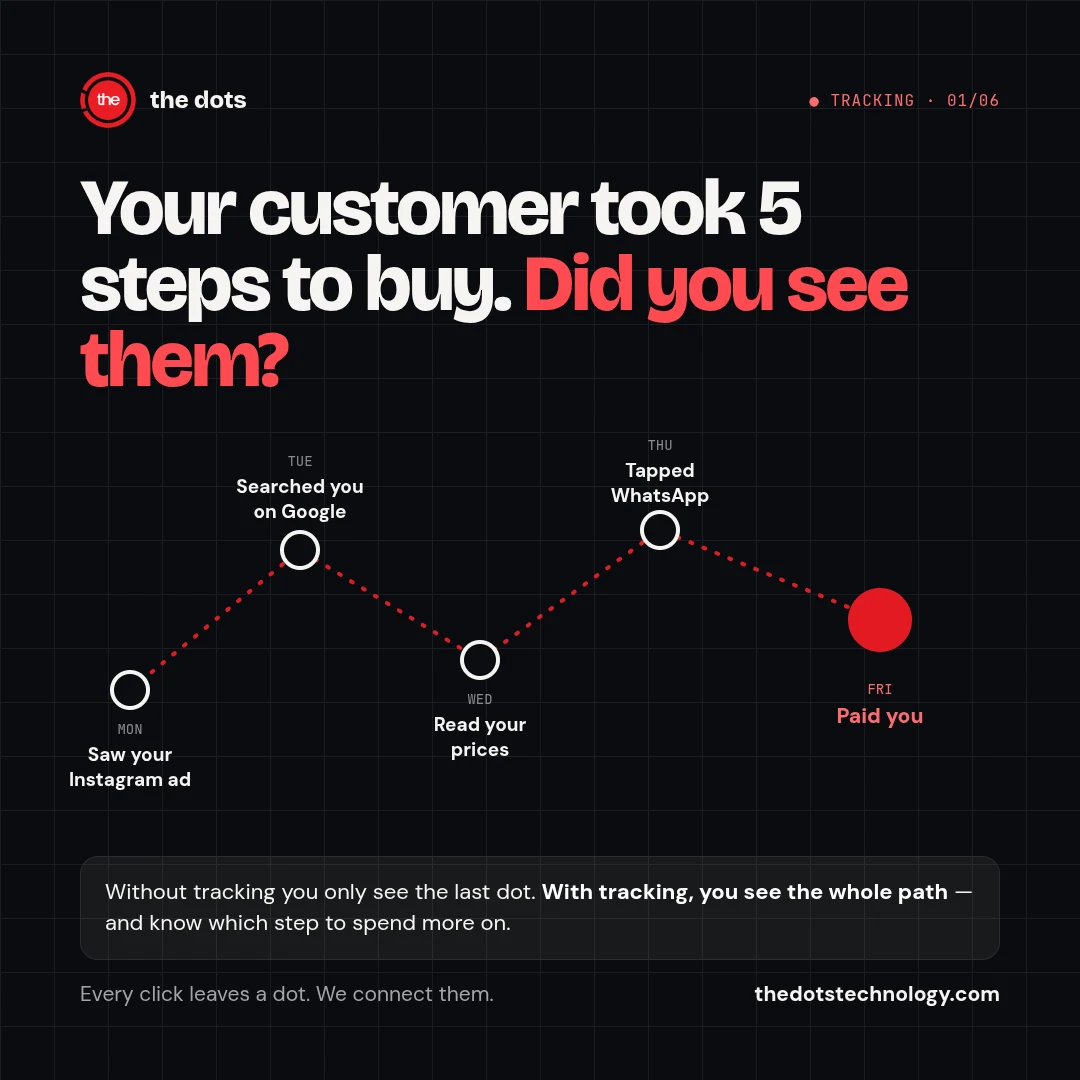
Connect marketing activity to enquiries, bookings and revenue without pretending every customer journey is fully visible.
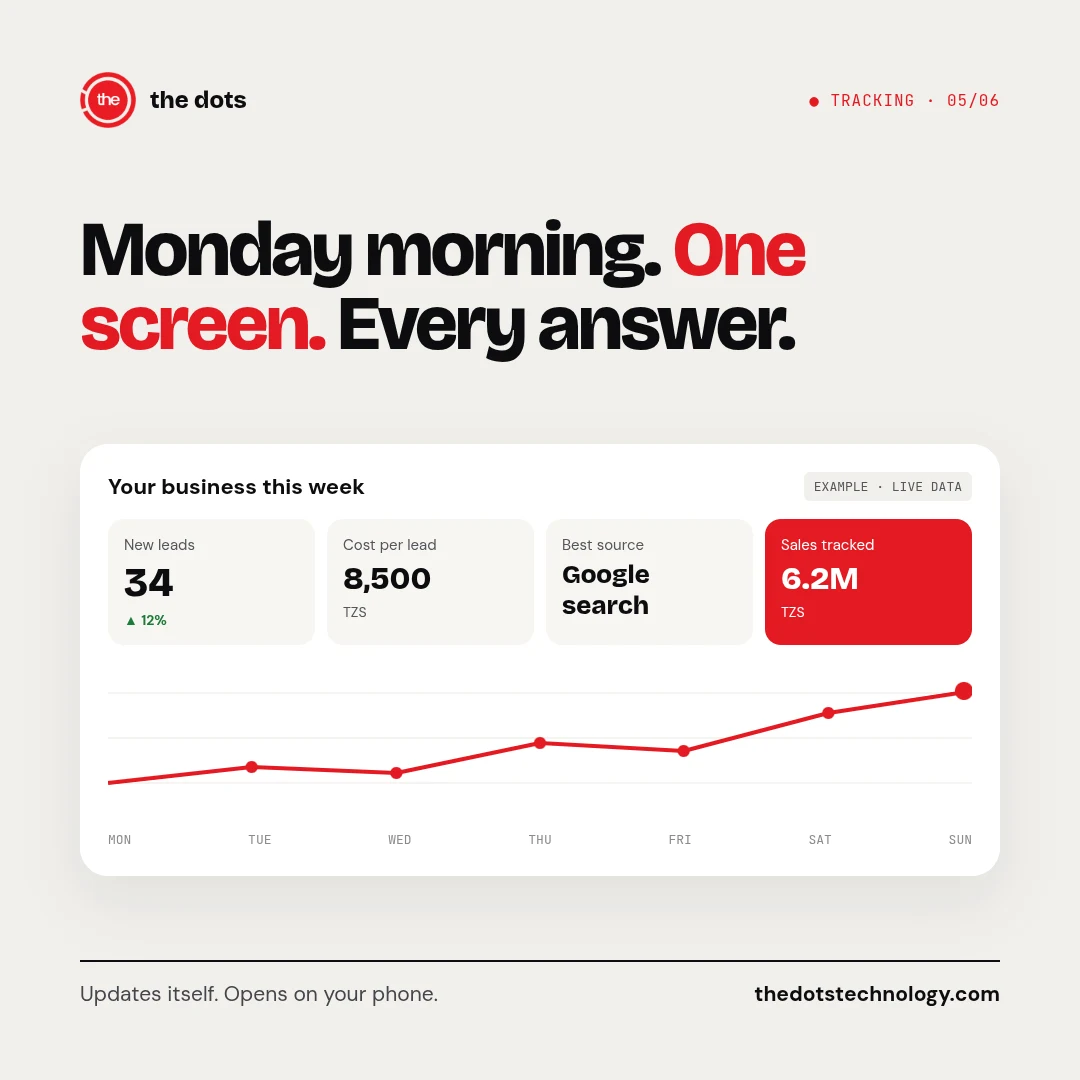
Agree what your numbers mean, where they come from and who is responsible before bringing them into one view.
Your next step
Tell us about your idea or the part of your business that needs to work better. We'll help you find a clear next step.
Have a detailed brief? Use our full contact form.