Automation2 min read
Automate the hand-off, keep the judgement
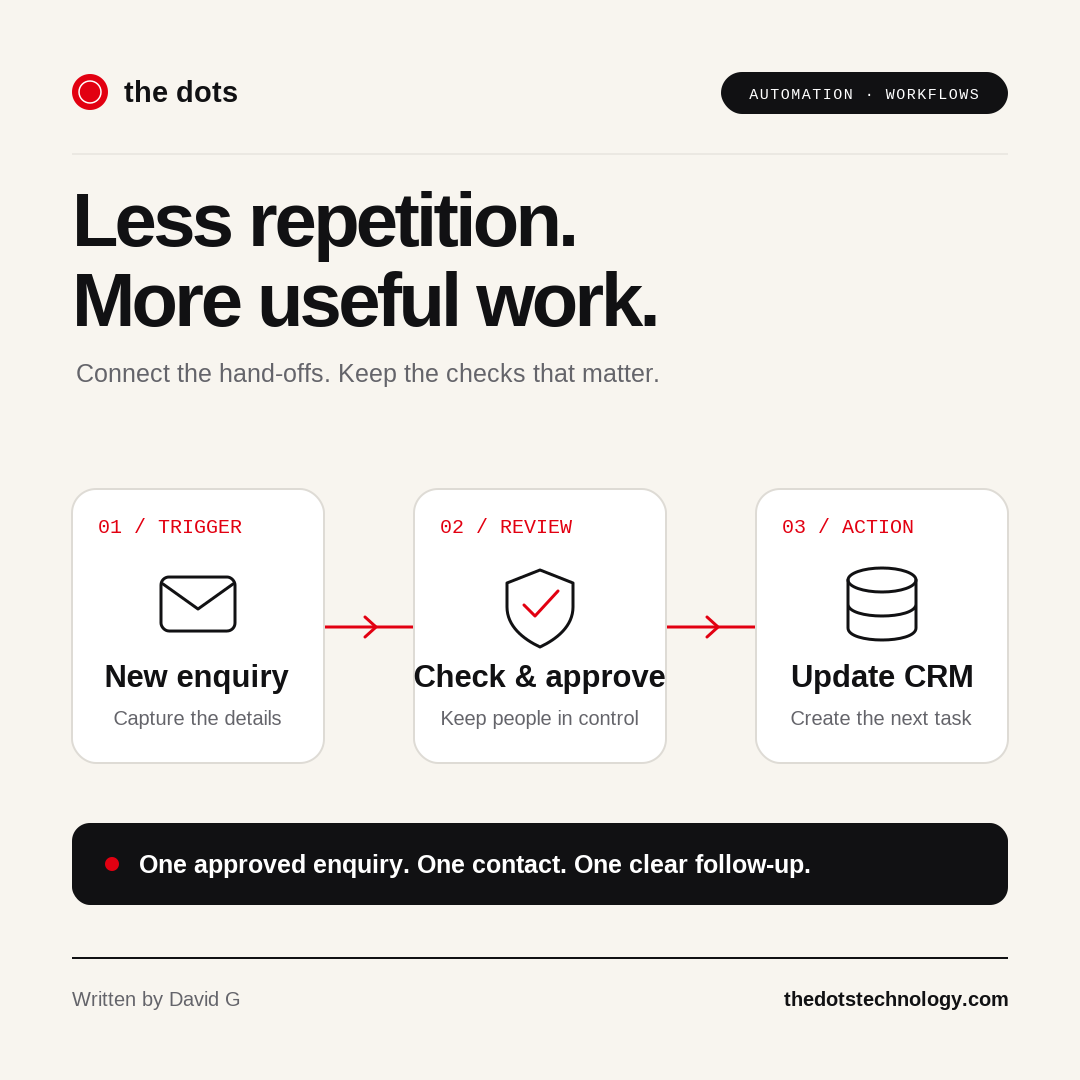
Design a workflow that moves routine work forward and gives exceptions to the right person with enough context.
AI & automation
Focused AI pilots that help your team work with information, draft answers and use business tools with clear boundaries.
request.received → access scope checkedA staff member asks for information from a defined set of approved materials.
receive request → check access scopeThe difference it makes
We start with a repeated task and a way to check the result. That might be finding an approved policy, preparing a draft or sorting an incoming request. We build a small pilot, test its failure cases and keep people responsible for consequential decisions.
A defined use case with a measurable review process
Clear boundaries for data and tool access
A practical route from pilot to everyday use
From the first check to handover
Explore the walkthrough above, then see what each stage means for your project. We agree the scope and checks with your team before work begins.
We identify a specific routine where assistance is useful and where the output can be checked.
We agree which sources and tools the system may use, how access works and what must stay out.
We test representative questions, uncertain cases and unsafe instructions against the agreed criteria.
We define review and approval steps, monitor issues and expand only when the evidence supports it.
What you take away
You can see what was changed, how it was checked and what your team needs to look after next.
Before we begin
Usually not. A useful first pilot can sit alongside your current workflow or connect to an approved source. We assess integration and data access before choosing the approach.
Only within explicitly agreed permissions. We can require human approval before external messages, spending or important record changes, and keep an audit trail of permitted actions.
Connect this with
Related reading
Practical articles by David G, selected for Practical AI.
Design a workflow that moves routine work forward and gives exceptions to the right person with enough context.
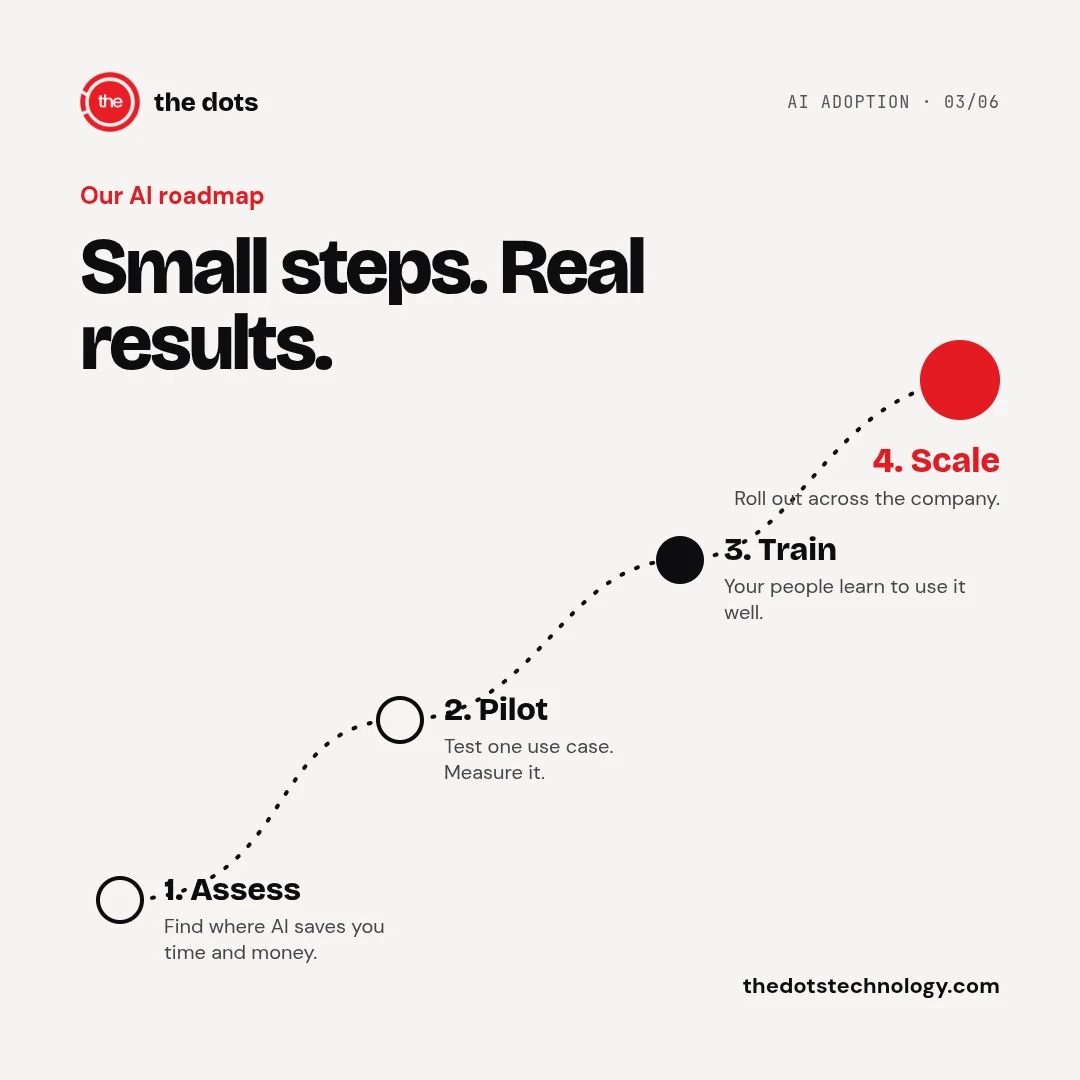
A practical route from a promising idea to a measured pilot, with training and human judgement built in.
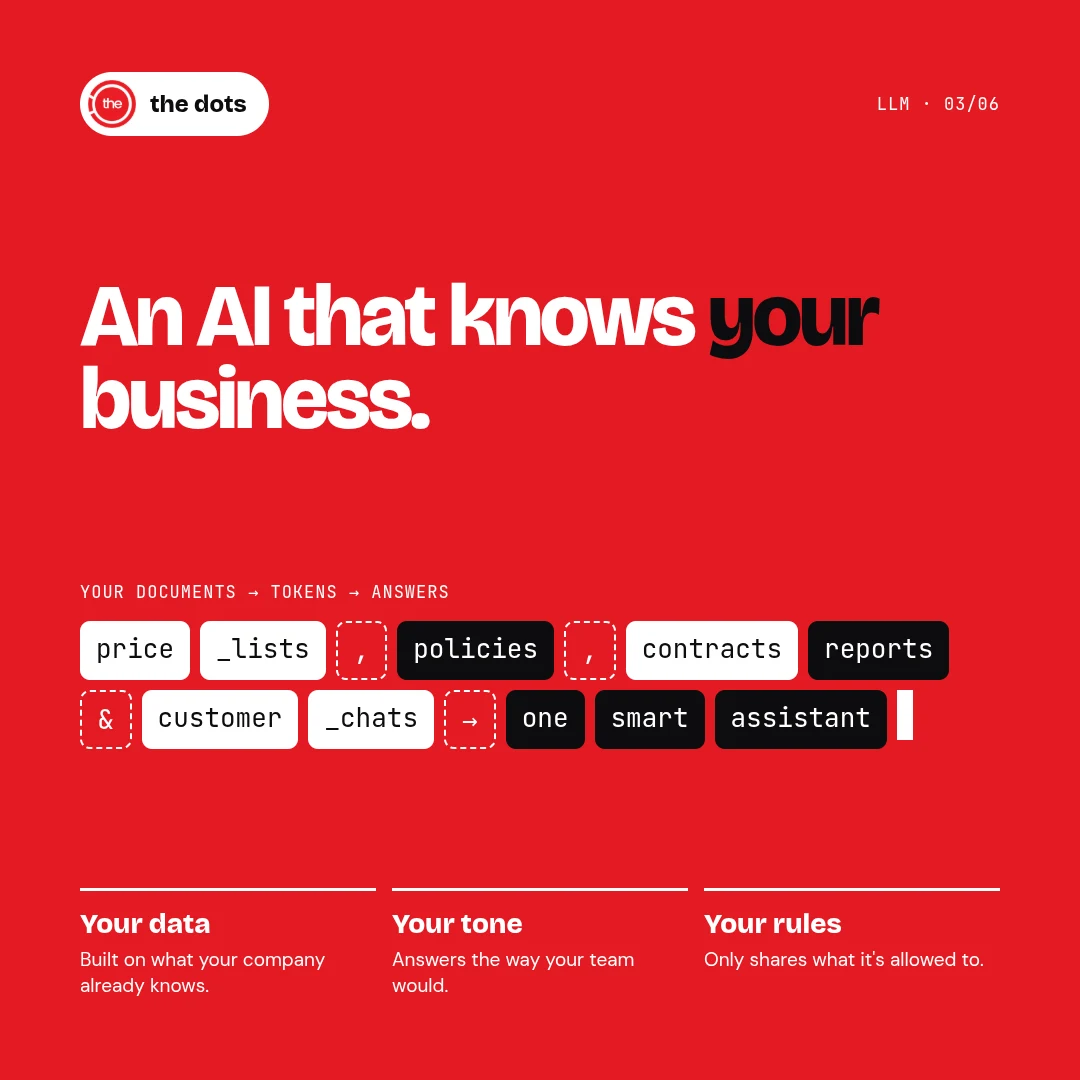
Connect an assistant to approved documents while keeping sources, permissions and review in the design.
Your next step
Tell us about your idea or the part of your business that needs to work better. We'll help you find a clear next step.
Have a detailed brief? Use our full contact form.