User experience
Find the friction behind an abandoned form
Use heatmaps and session review to investigate a problem, protect sensitive content and test a practical improvement.
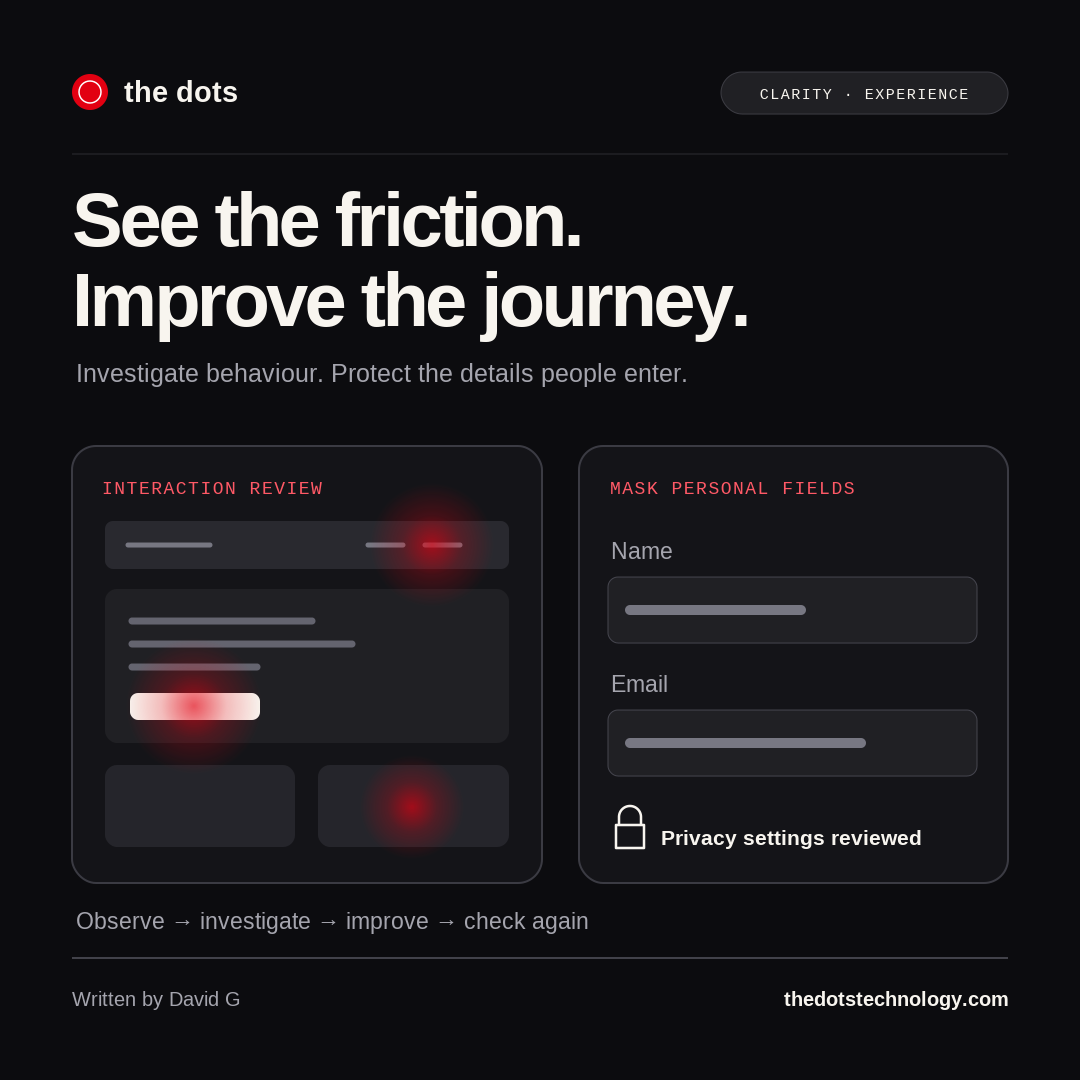
An abandoned form is a question, rather than an explanation. The visitor might have encountered an error, struggled with a field or simply decided to return later. Session review and heatmaps can suggest where to investigate, but they do not tell you what every visitor was thinking.
Start with a specific concern
Choose a task your team can reproduce. Perhaps mobile visitors reach the enquiry form but few complete it. Review the form on an ordinary phone first: check labels, field types, error messages and whether the submit button remains reachable. Then use behavioral evidence to look for patterns that deserve a closer test.
Review collection before recording
Decide whether the tool is appropriate for the pages involved and how it fits the site's consent setup. Microsoft documents masking controls for Clarity, including modes and element-level rules. Input boxes and dropdown content are masked in all modes. Additional sensitive content may appear elsewhere on a page, so inspect a sample recording and the surrounding interface rather than assuming the default configuration covers every context.
Turn a pattern into a test
- Look for repeated attempts around the same control.
- Check whether the page moves as someone tries to interact.
- Reproduce the suspected issue on the affected screen size.
- Change one clear source of friction, such as an ambiguous error.
- Retest successful submission, failure and keyboard navigation.
Keep the finding narrow enough to defend. 'Several reviewed sessions show repeated taps near the date field' is an observation. 'Everyone dislikes the booking process' is a much larger claim that those sessions cannot establish. Pair the observation with a repeatable browser test and the relevant form or booking records.
Check the result after the change
Record the issue, the change and how you verified it. Review comparable journeys after release and keep other changes in mind when interpreting the numbers. The goal is a form that behaves more clearly for real visitors, with enough evidence for your team to decide what to improve next.
Sources & further reading
About the author
David G
Writing at The Dots Technology about software, search, analytics and practical AI for business.
Connect on LinkedInPut this into practice
See how we approach the work, with an interactive walkthrough and a clear delivery plan.