User experience2 min read
Find the friction behind an abandoned form
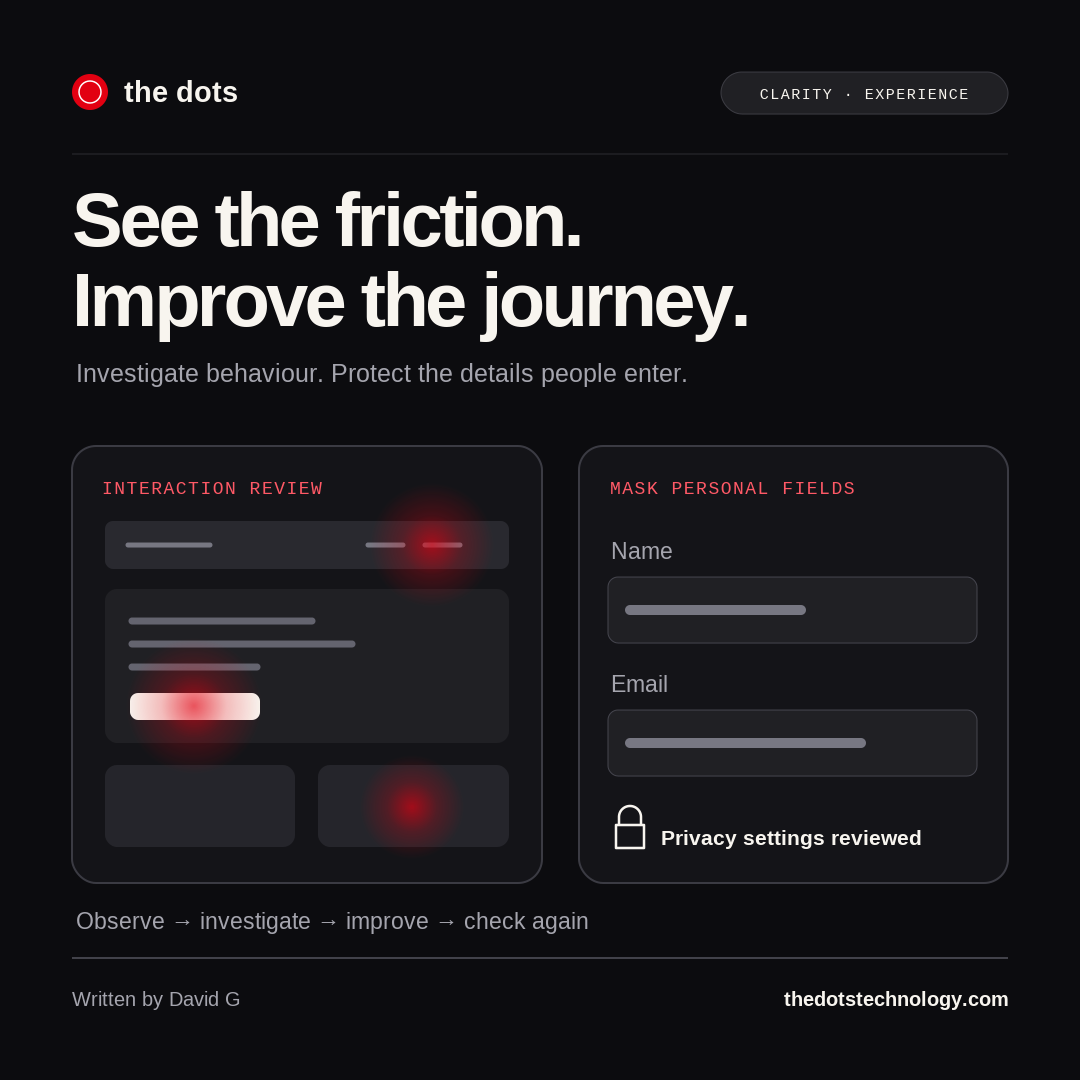
Use heatmaps and session review to investigate a problem, protect sensitive content and test a practical improvement.
Analytics & tracking
Heatmaps and session investigations that help identify navigation, content and form friction.
Consent behaviour, sensitive content and masking are reviewed first.
review consent → masking → exclusionsThe difference it makes
A report may show that people leave a page without explaining where the experience becomes confusing. Where suitable for your site, we use Clarity to investigate behaviour, form hypotheses and test practical improvements.
A closer view of specific usability problems
A way to compare observed behaviour with analytics
A prioritised list of changes to test
From the first check to handover
Explore the walkthrough above, then see what each stage means for your project. We agree the scope and checks with your team before work begins.
We review the site's content, privacy requirements and whether session analysis is appropriate before installing it.
We review masking and consent behaviour and inspect a controlled test session before collecting useful examples.
We study a defined journey, such as finding a price or completing a form, rather than browsing recordings without a purpose.
We turn observations into a specific change and review the available evidence after it is released.
What you take away
You can see what was changed, how it was checked and what your team needs to look after next.
Before we begin
Tool documentation
Clarity masks input boxes, but we still review the site's wider content, masking configuration and consent requirements. Sensitive pages may need additional exclusions or a different investigation method.
No. It provides behavioural evidence that can suggest a problem. We combine it with context, analytics and testing rather than treating an observed click pattern as a complete explanation.
Connect this with
Related reading
Practical articles by David G, selected for Microsoft Clarity.
Use heatmaps and session review to investigate a problem, protect sensitive content and test a practical improvement.
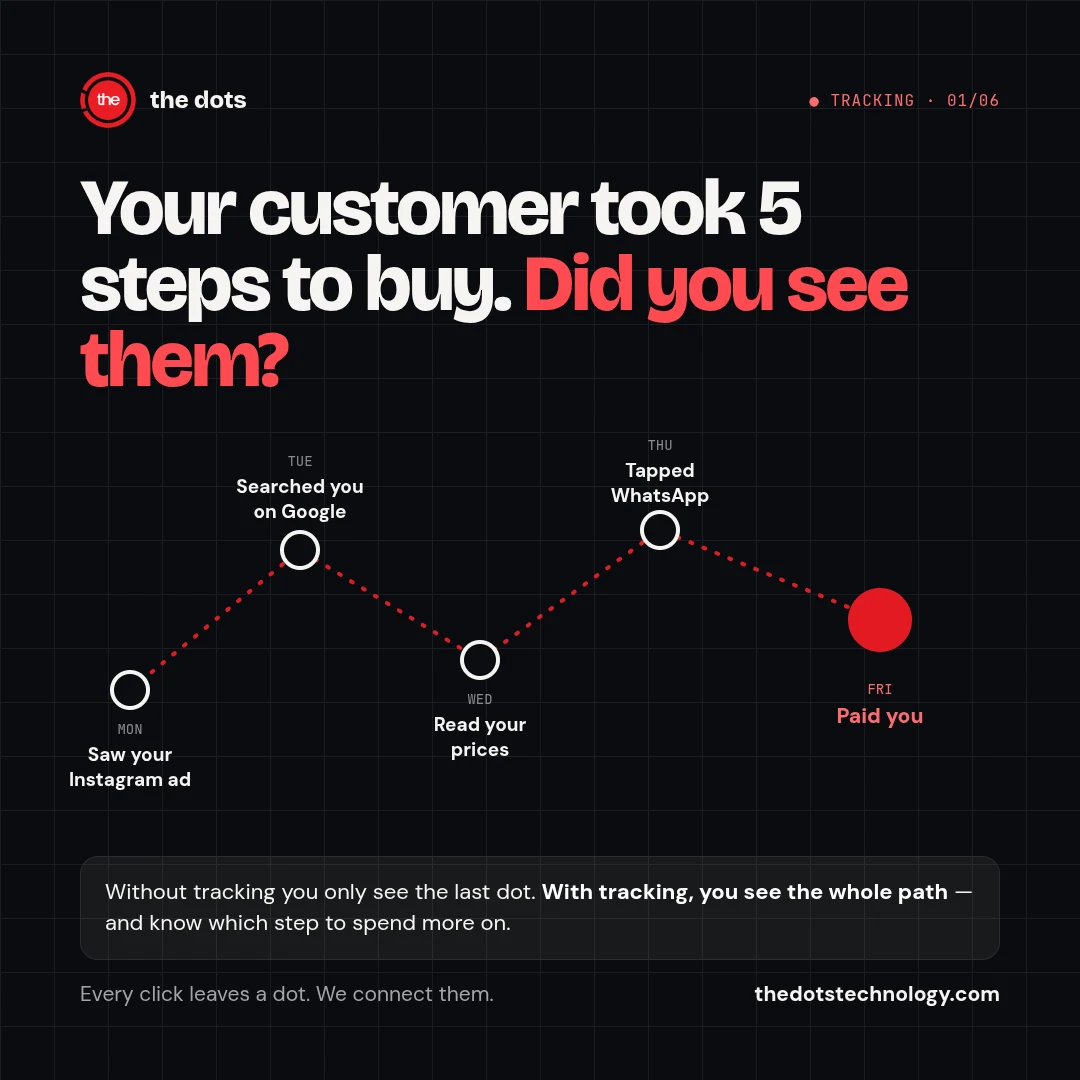
Connect marketing activity to enquiries, bookings and revenue without pretending every customer journey is fully visible.
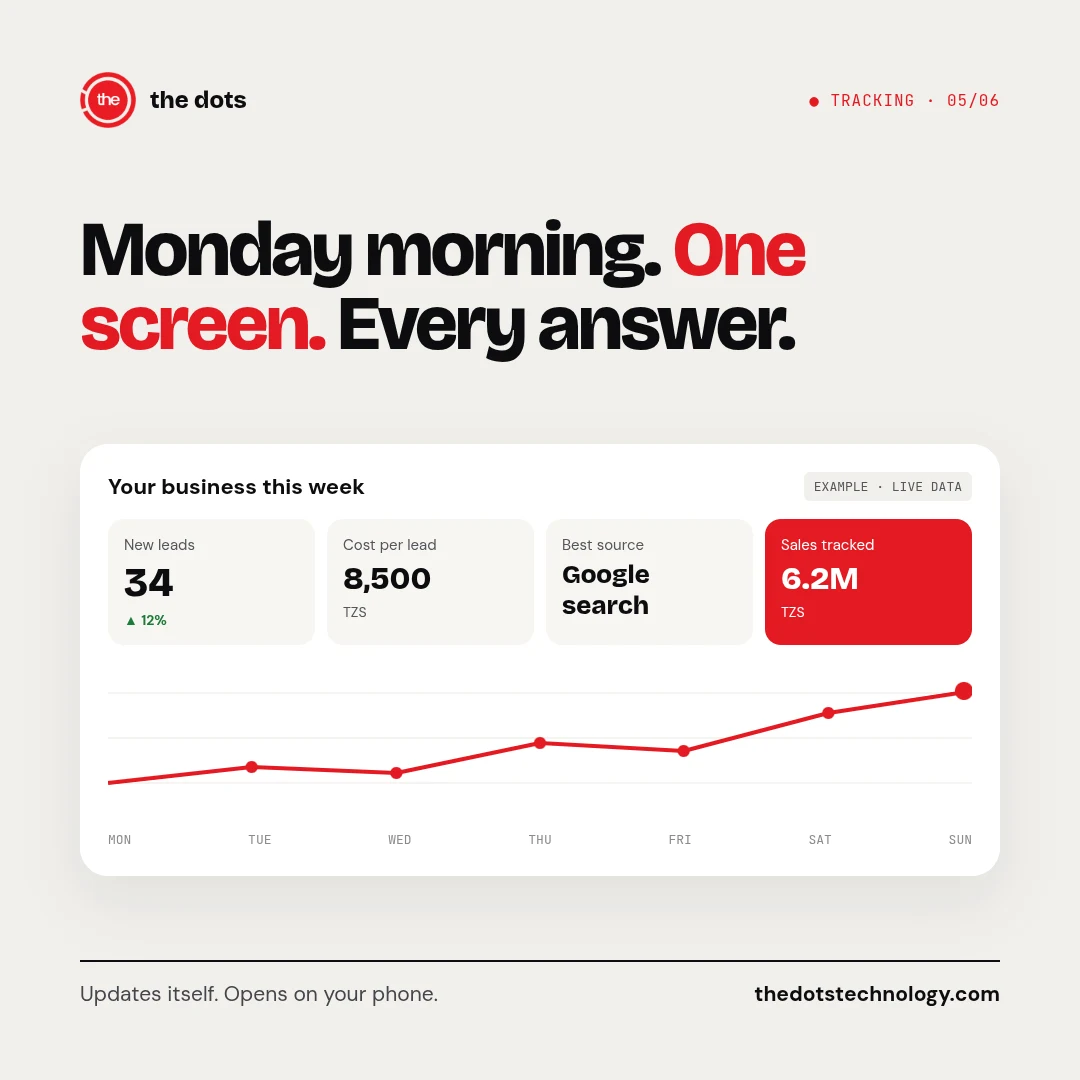
Agree what your numbers mean, where they come from and who is responsible before bringing them into one view.
Your next step
Tell us about your idea or the part of your business that needs to work better. We'll help you find a clear next step.
Have a detailed brief? Use our full contact form.