Tag Manager
Test the action, then trust the event
Use Tag Manager preview to follow a real enquiry, find the faulty trigger and check what arrives in Analytics.
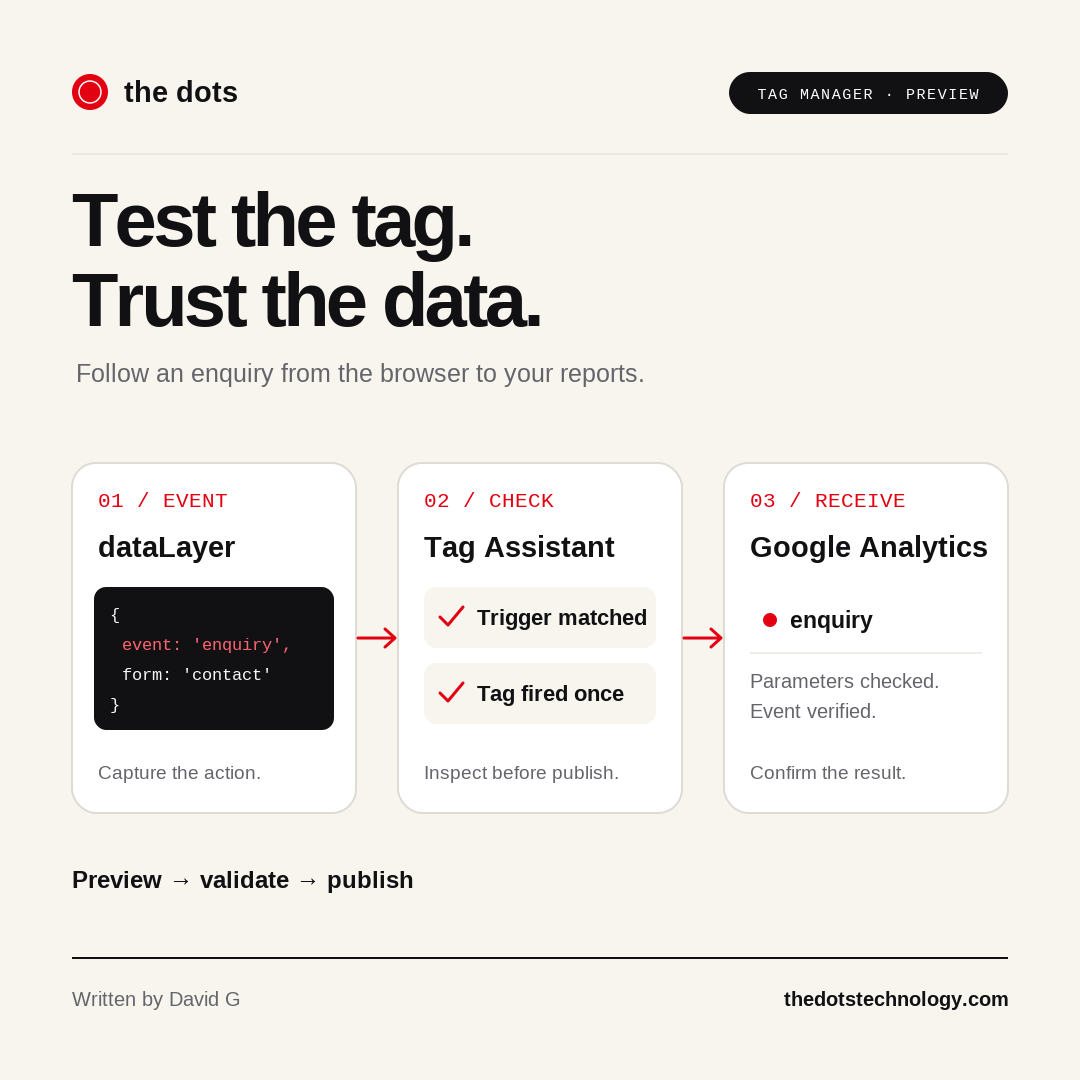
A visitor presses Send. Your report records a lead. But did the server accept the enquiry, or did the form show an error? That distinction is where useful tracking begins. An event should describe an outcome your team can explain, rather than whichever button was easiest to measure.
Write the expected result first
For an enquiry form, we might define the outcome as one accepted submission, with a reference returned to the visitor. A failed submission should produce no successful-lead event. An unchanged retry should not create a second lead. Put those rules in a small test sheet before changing the container.
Follow the event through preview
Tag Manager preview connects the test page to Tag Assistant. As you use the form, inspect the event sequence, the selected event's variables and the tags it triggers. A data layer event can give the container an explicit signal after the application confirms success. Check the signal's name and values against the trigger, including their spelling and case.
- Complete a valid submission and look for the intended event.
- Try missing fields and a simulated sending failure.
- Check a repeated click and an unchanged retry.
- Verify the consent conditions that apply to the test.
Check the destination too
A tag firing is one checkpoint. Continue into GA4 DebugView to inspect the event and its parameters on the test device, with debug mode enabled. Record the observed result beside the expected result. If the event is missing, investigate the destination configuration, consent state and network request rather than repeatedly changing an otherwise correct trigger.
Leave a change someone else can understand
Give the container version a useful description, retain the measurement rules and repeat a controlled check after publication. A future teammate should be able to answer what the event means, what sends it and how to reproduce a successful test. That small handover makes the report easier to maintain when the website changes.
Sources & further reading
About the author
David G
Writing at The Dots Technology about software, search, analytics and practical AI for business.
Connect on LinkedInPut this into practice
See how we approach the work, with an interactive walkthrough and a clear delivery plan.
Keep reading
Analytics
From clicks to customersMeasurement tools
Know your measurement toolsGEO
GEO: help customers find you in AI search