Tag Manager2 min read
Test the action, then trust the event
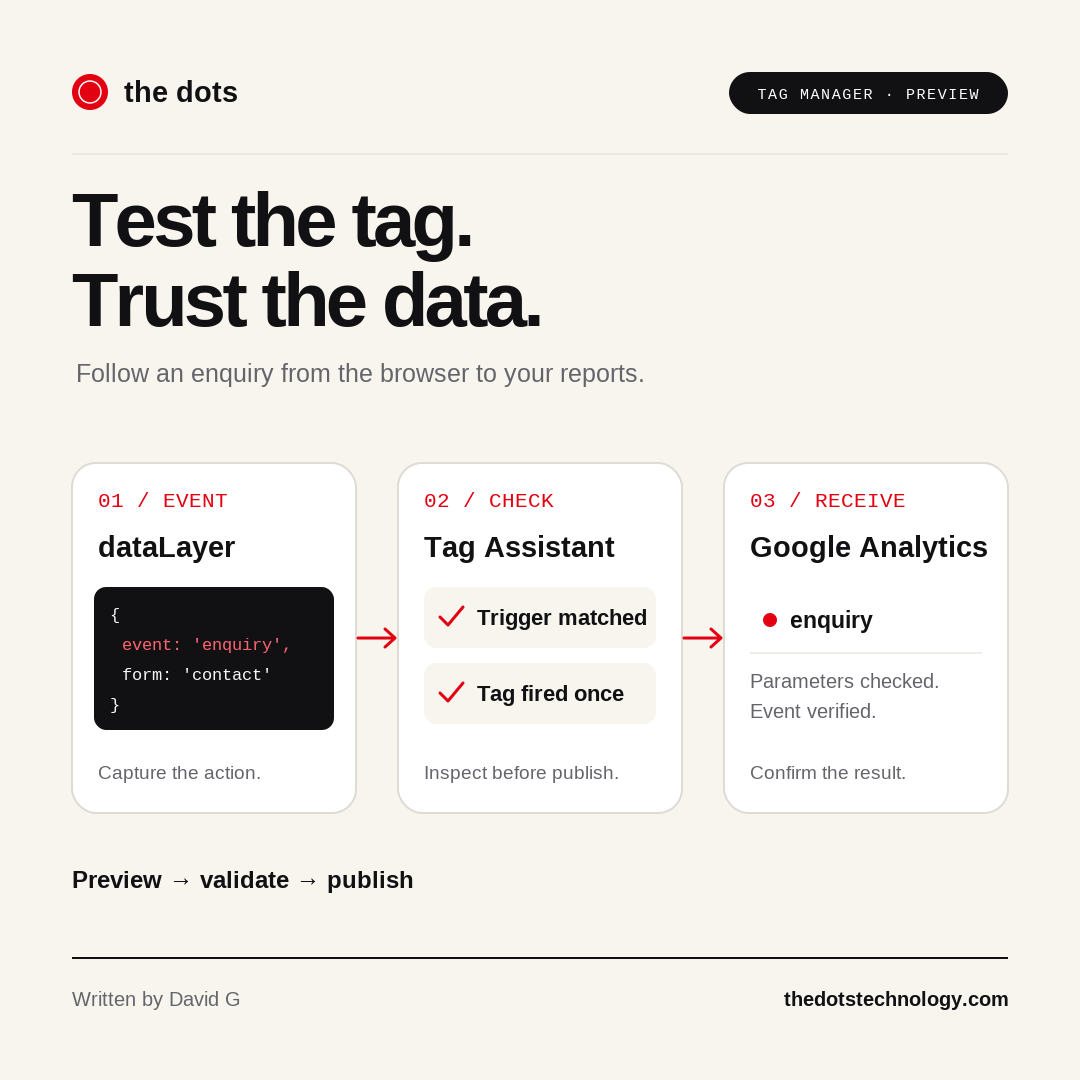
Use Tag Manager preview to follow a real enquiry, find the faulty trigger and check what arrives in Analytics.
Analytics & tracking
Organised tags, clear triggers and a repeatable testing process before tracking changes go live.
WORKFLOW TIMELINE
The test website connects to Tag Assistant using the container's draft configuration.
GTM workspace → Preview → ConnectThe difference it makes
Tag containers can become difficult to trust when old tags, overlapping triggers and undocumented edits accumulate. We review what is already installed, organise the container and test a specific journey before publishing a reviewed version.
Clear ownership of what runs on your website
Fewer overlapping triggers and forgotten tags
A reviewable release history for measurement changes
From the first check to handover
Explore the walkthrough above, then see what each stage means for your project. We agree the scope and checks with your team before work begins.
We compare installed tags and business goals, checking for duplicates and unnecessary collection.
We define the event signal, trigger conditions, required variables and consent behaviour.
We connect Tag Assistant to a test journey and inspect which tags fire, when they fire and the data they use.
We record the purpose and test results, publish the approved version and check the live journey.
What you take away
You can see what was changed, how it was checked and what your team needs to look after next.
Before we begin
Tool documentation
It proves that a configured tag ran in that test. We also inspect its parameters, destination and consent behaviour, and check the receiving tool where possible.
Yes. Preview connects the container draft to Tag Assistant for a test session. We use that session to inspect the configuration before an approved version is published.
Connect this with
Related reading
Practical articles by David G, selected for Google Tag Manager.
Use Tag Manager preview to follow a real enquiry, find the faulty trigger and check what arrives in Analytics.
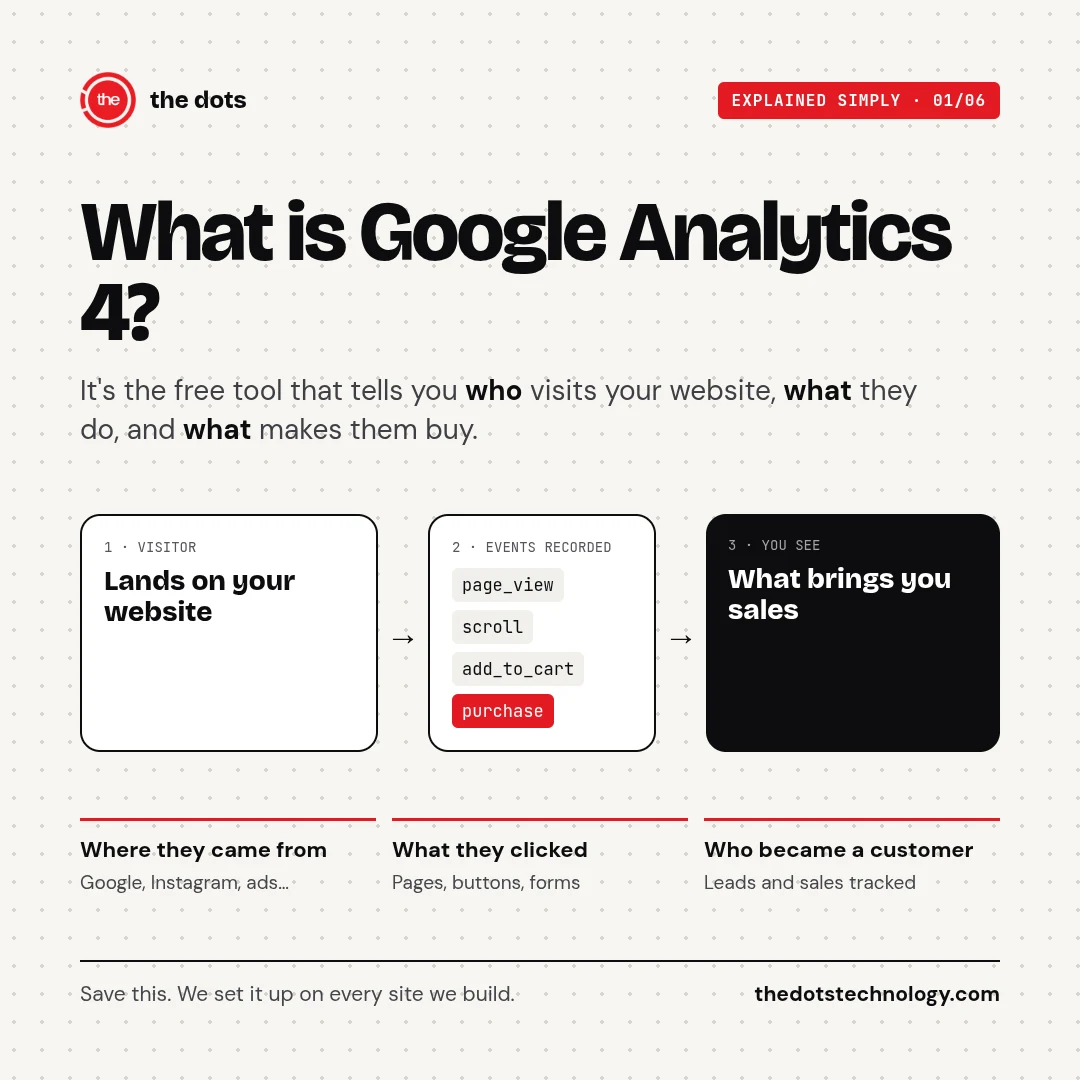
Understand what each tool answers before asking a dashboard to explain your entire business.
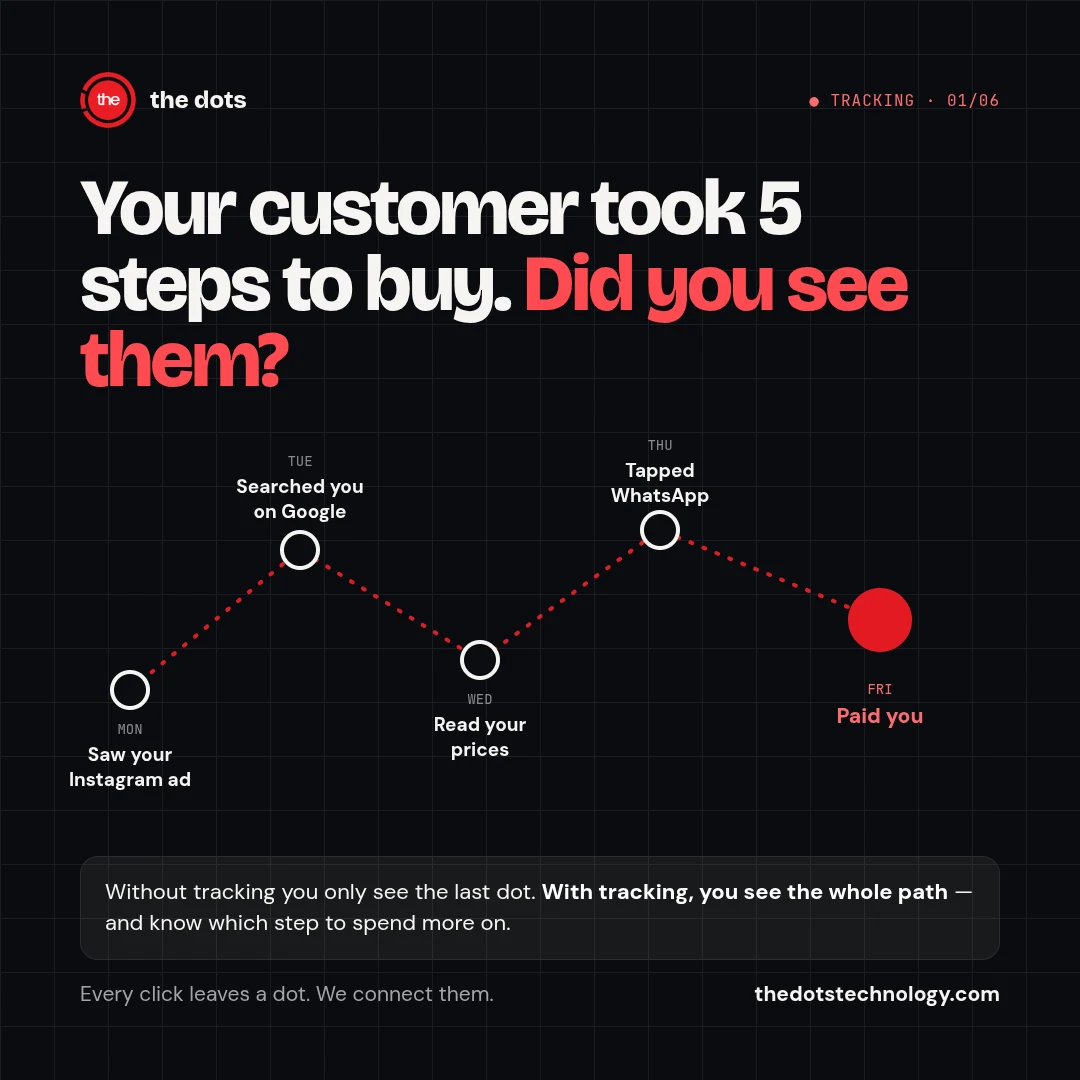
Connect marketing activity to enquiries, bookings and revenue without pretending every customer journey is fully visible.
Your next step
Tell us about your idea or the part of your business that needs to work better. We'll help you find a clear next step.
Have a detailed brief? Use our full contact form.