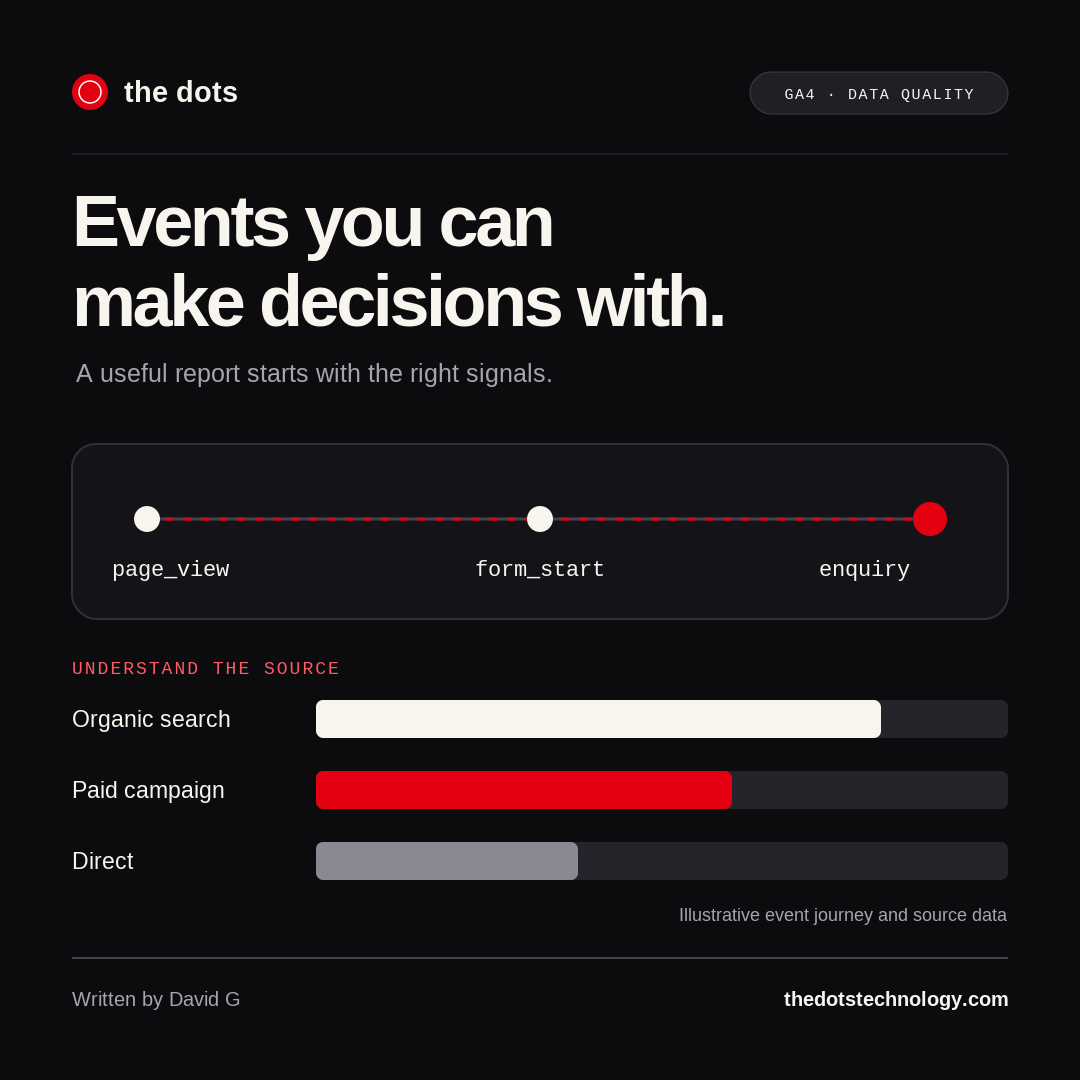
GA42 min read
From a debug event to a useful traffic report
Check event collection first, then review acquisition, meaningful actions and the limits of the data.
Analytics & tracking
GA4 setup and audits that connect acquisition, events and meaningful outcomes with clear definitions.
WORKFLOW TIMELINE
The website's tag configuration is checked against the intended GA4 destination.
check property → web stream → destinationThe difference it makes
Before interpreting a chart, we check what feeds it. We review your GA4 property and event collection, validate important journeys, and help your team understand where visitors arrive, what they do and what the evidence can reasonably tell you.
Clearer acquisition and event definitions
Tested collection behind important reports
A team that understands the limits as well as the totals
From the first check to handover
Explore the walkthrough above, then see what each stage means for your project. We agree the scope and checks with your team before work begins.
We inspect the property, data streams, installed tags and existing events against your measurement plan.
We implement agreed events and campaign conventions, and review consent and privacy settings.
We enable a controlled debug session and inspect the received event names and parameters in DebugView.
We organise acquisition and key event reporting, explain data gaps and leave clear definitions for the team.
What you take away
You can see what was changed, how it was checked and what your team needs to look after next.
Before we begin
Analytics and operational systems count different things and can use different dates or attribution rules. Consent, blocked requests and cross-device journeys also create gaps. We reconcile definitions before comparing totals.
DebugView can show events from a device with debug mode enabled. Consent and privacy controls can affect visibility, and other reports may update on a different schedule.
Connect this with
Related reading
Practical articles by David G, selected for Google Analytics 4.
Check event collection first, then review acquisition, meaningful actions and the limits of the data.
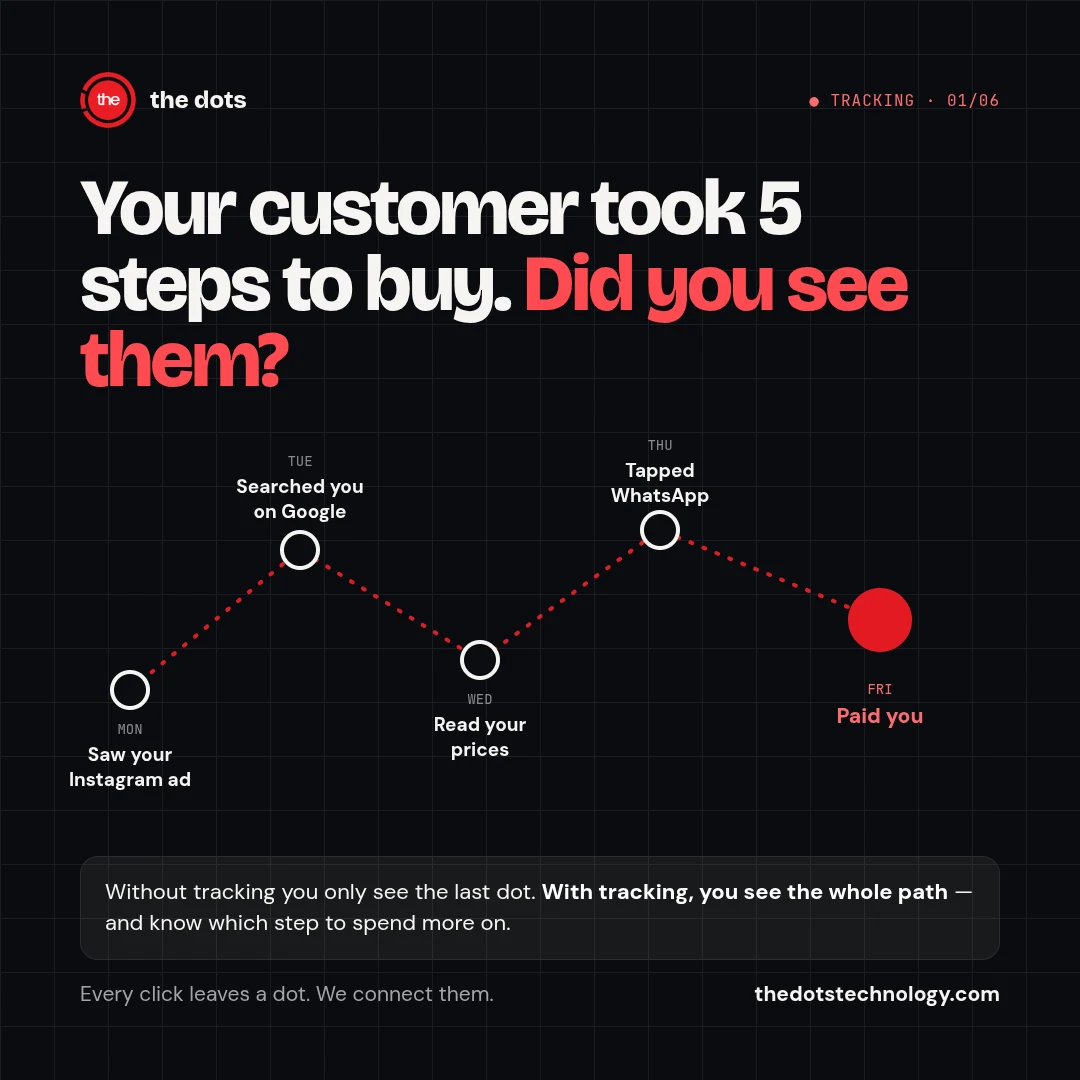
Connect marketing activity to enquiries, bookings and revenue without pretending every customer journey is fully visible.
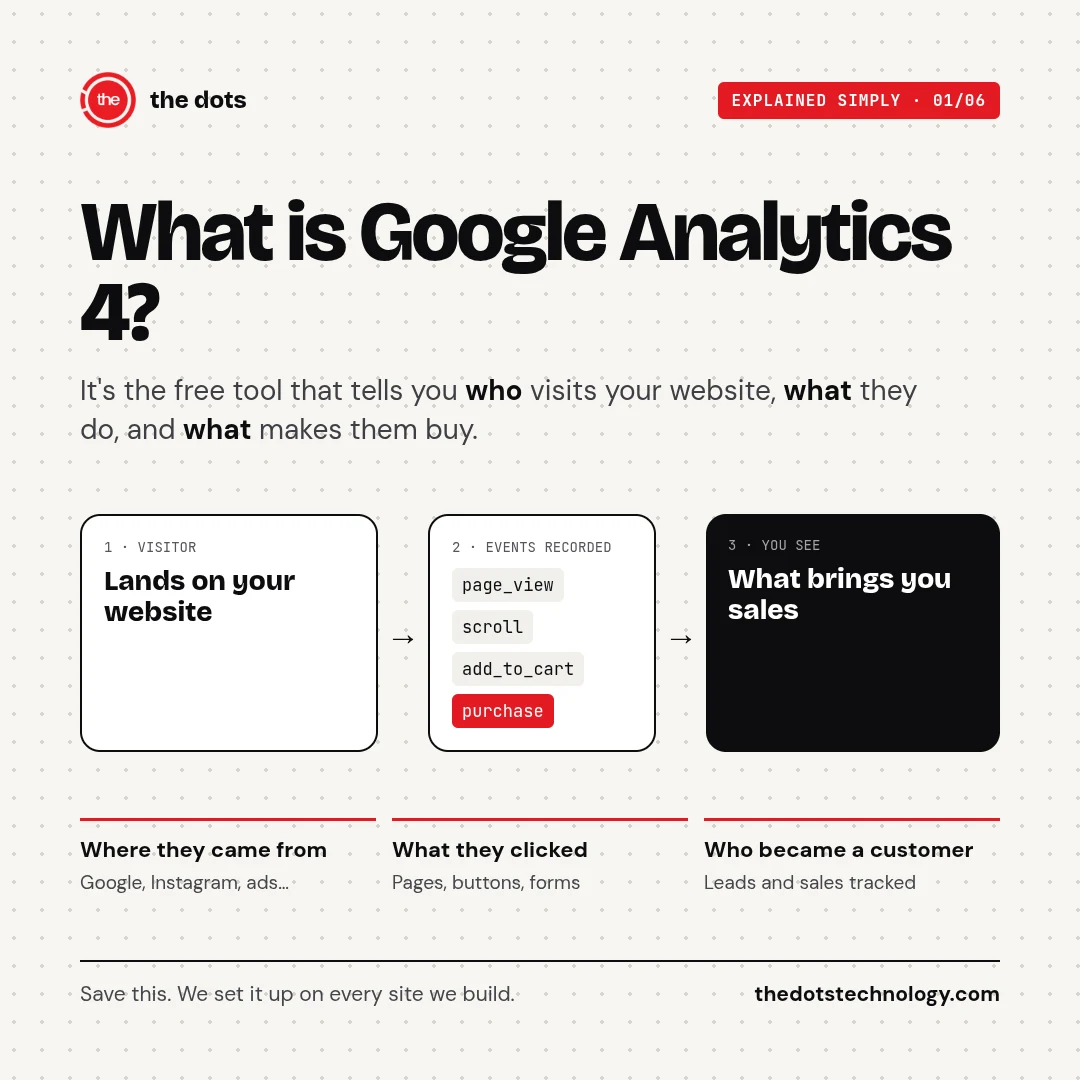
Understand what each tool answers before asking a dashboard to explain your entire business.
Your next step
Tell us about your idea or the part of your business that needs to work better. We'll help you find a clear next step.
Have a detailed brief? Use our full contact form.