Performance
Build for real phones and networks
A short checklist for making sure your site works for the customers you actually have.
By David G2 min read
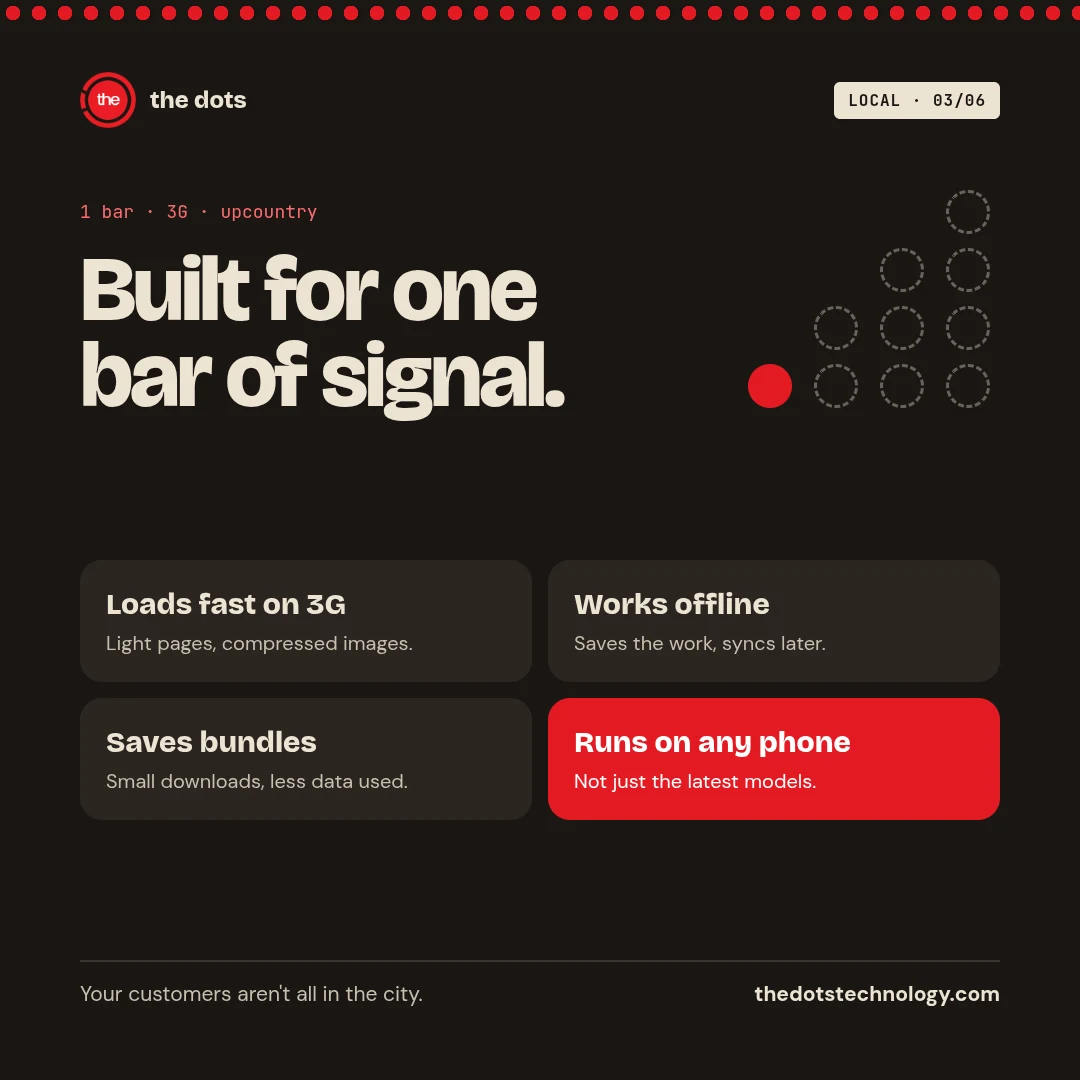
A website can look perfect on a new laptop in an office and still fail the customer who matters most: someone on a mid-range Android phone, on a patchy connection, paying for their own data. If the page is slow, they leave, and you never find out why.
Test it the way your customers use it
- Open your site on an ordinary Android phone, not the newest one
- Turn off Wi-Fi and use mobile data, ideally away from the city centre
- Try it from a link in WhatsApp, because that is how many people will arrive
- Time how long it takes before you can read the main message and tap a button
What usually slows a site down
- Huge photos: images straight from a camera can be many times larger than they need to be
- Too many plugins and third-party scripts, each one adding weight
- Custom fonts and video that load before the content
- Pages that show nothing until all their code has downloaded
What good looks like
- The main message appears quickly, even before everything has finished loading
- Buttons are large enough to tap with a thumb
- Forms are short, and a phone number or WhatsApp link is always close by
- A shared link shows a proper preview image and title
Speed is also part of how search engines judge your site, and search is how new customers find you. Google's free PageSpeed Insights tool will test any page and show you what to fix first.
About the author
David G
Writing at The Dots Technology about software, search, analytics and practical AI for business.
Connect on LinkedInPut this into practice
See how we approach the work, with an interactive walkthrough and a clear delivery plan.