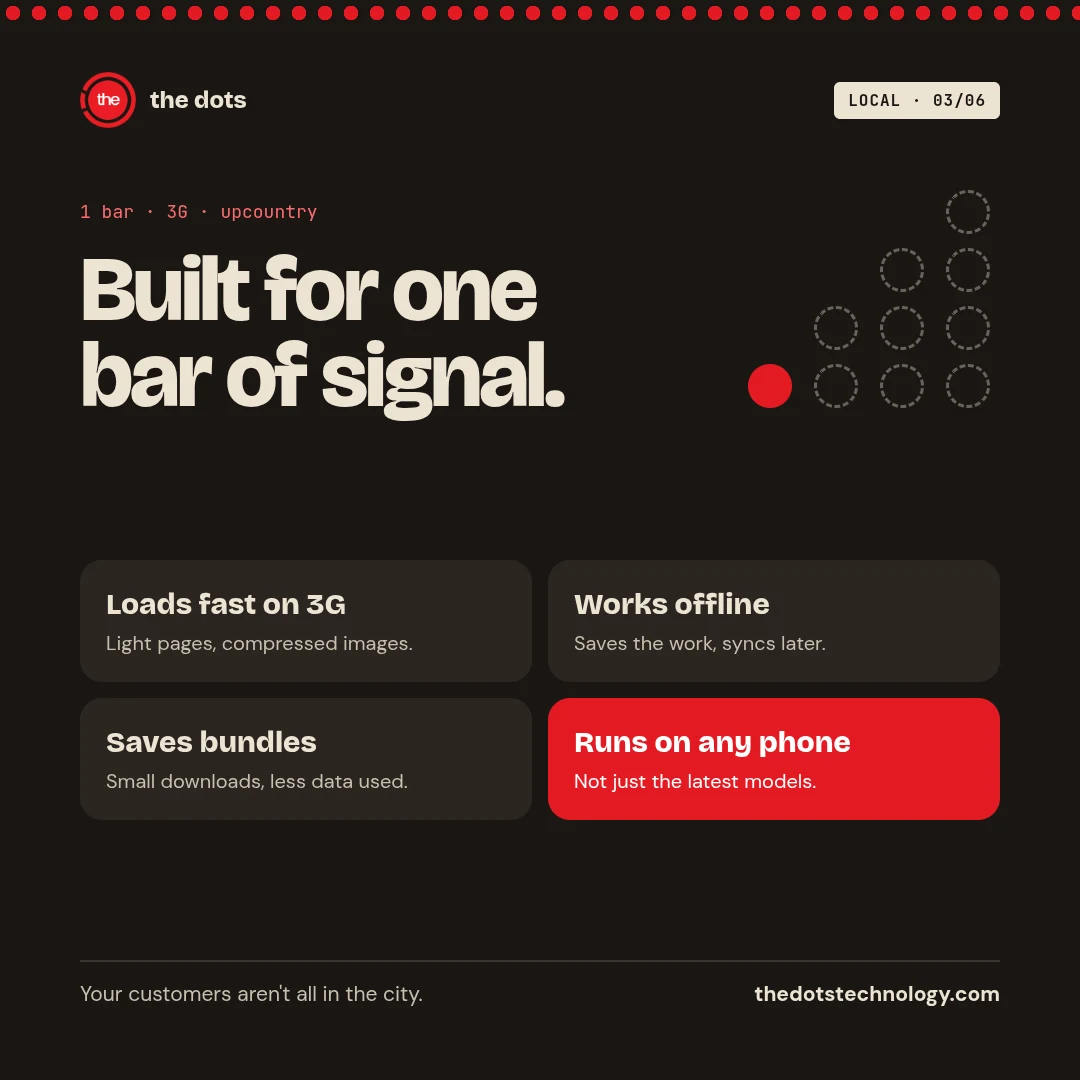
Performance2 min read
Build for real phones and networks
A short checklist for making sure your site works for the customers you actually have.
Build & connect
iOS and Android apps designed around your customers, your team and the networks they use.
GOOD MORNING, TEAM
A field team opens today's work without searching through unrelated screens.
open app → today's assigned visitsThe difference it makes
A good app makes a repeated task easier. We define that task first, build a focused experience and test it on real devices. Where offline work matters, we plan exactly what can be saved, synchronised and safely retried.
A simpler route through frequent tasks
Clear behaviour when the connection drops
One product roadmap across supported devices
From the first check to handover
Explore the walkthrough above, then see what each stage means for your project. We agree the scope and checks with your team before work begins.
We agree who the app serves, what they need to do often and whether an app is the right way to help.
We prototype the screens, permissions and error states, including slower or interrupted connections.
We connect the app to your systems and define how queued work, duplicate requests and conflicts are handled.
We test the supported devices and prepare store submissions, release notes and a plan for updates.
What you take away
You can see what was changed, how it was checked and what your team needs to look after next.
Before we begin
Some tasks can. We specify which records can be read or edited offline, how changes synchronise and which actions need a live connection. Payments and shared availability usually require an online check.
Often, yes. We assess the features and device requirements before choosing a shared codebase or native development. App store approval remains subject to each store's review.
Connect this with
Related reading
Practical articles by David G, selected for Mobile apps.
A short checklist for making sure your site works for the customers you actually have.
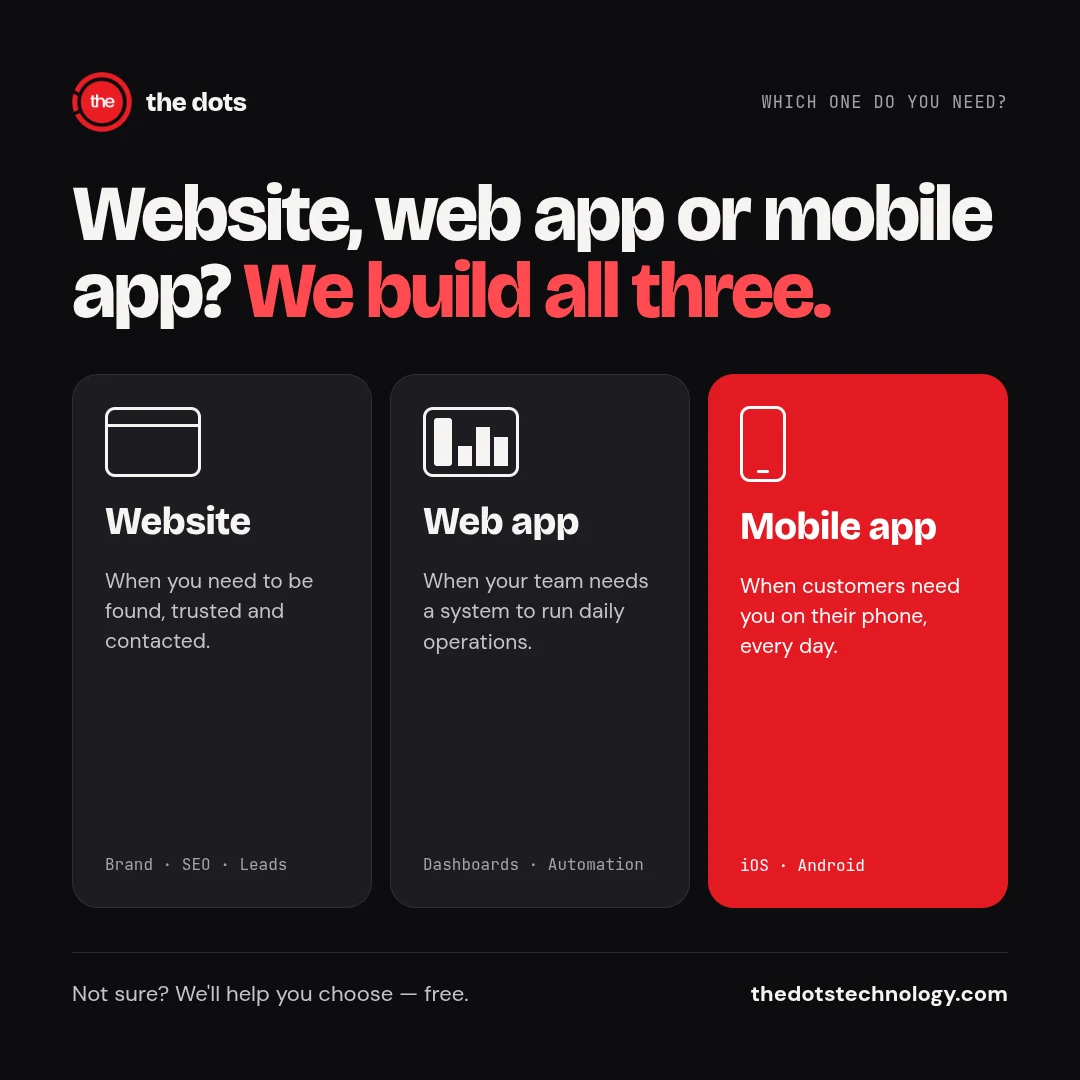
Three products that are easy to confuse. Here is how to tell which one your business needs first.
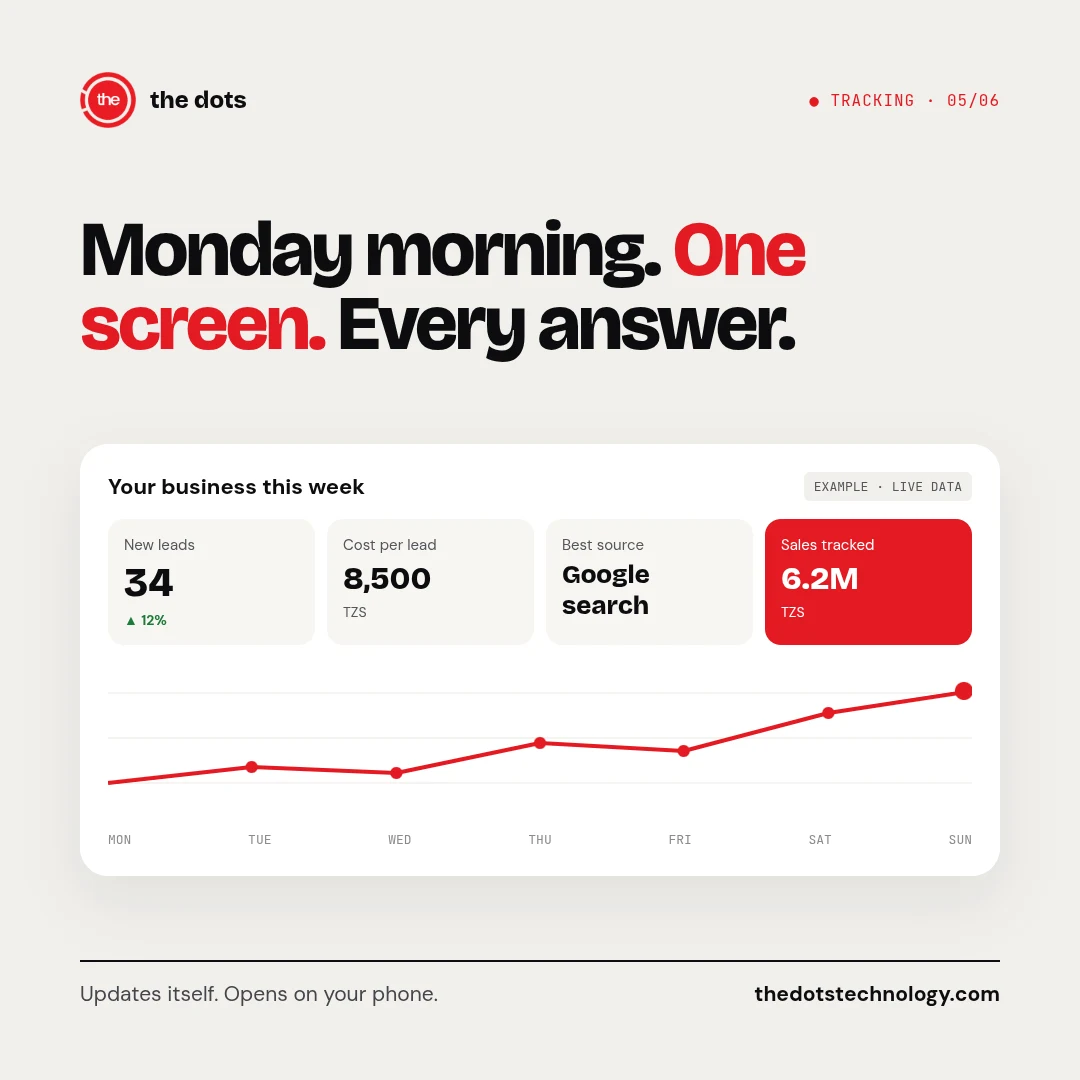
Agree what your numbers mean, where they come from and who is responsible before bringing them into one view.
Your next step
Tell us about your idea or the part of your business that needs to work better. We'll help you find a clear next step.
Have a detailed brief? Use our full contact form.